


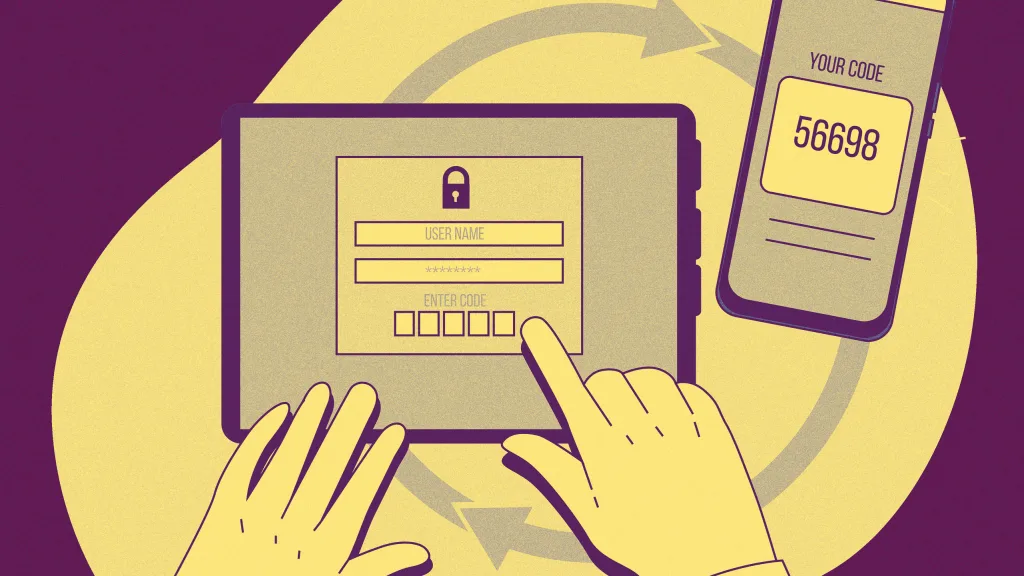
Do you receive login security codes for your online accounts via text message? These are the six- or seven-digit numbers sent via SMS that you need to enter along with your password when trying to access your bank accounts, health records, online photos, and more. This type of security is known as multifactor authentication (MFA) and is designed to keep your account secure even if someone knows your password. Without the additional security code, bad actors can’t gain access to your data. Or at least that’s the idea.
It’s increasingly becoming evident that security codes sent by text message may leave our data less secure than we thought. Fortunately, there are other, more secure ways to keep your accounts safe. Here’s why it’s probably a good idea to stop using SMS for your security codes, and what you can use instead.
An opaque security code industry
You may think that the text message you receive with the code you need to log into your account is coming from Amazon, Google, Meta, or whoever provides the service you are logging into. But it’s probably not—and therein lies the security risk.
Bloomberg and Lighthouse Reports just released an alarming report revealing that some of the most prominent tech companies recommending that users enable multifactor authentication—including Amazon, Google, and Meta—have used third-party companies to send their security codes to users via text.
Some of these third-party companies have been linked to institutions in the surveillance industry and even government spy agencies. Additionally, some of the security codes that these third-party companies were responsible for transmitting have been associated with data breaches of individuals’ accounts. Worse: the intermediaries operating in this space do so with little oversight from their tech giant clients or regulators.
And Bloomberg and Lighthouse Reports’ piece isn’t the first to warn about the vulnerability that texted security codes expose users to. In December, the U.S. Cybersecurity and Infrastructure Security Agency (CISA) issued a warning to the public, urging people to migrate away from receiving security codes via text. “Do not use SMS as a second factor for authentication,” the CISA’s memo warned. “SMS messages are not encrypted—a threat actor with access to a telecommunication provider’s network who intercepts these messages can read them.”
But this vulnerability in texted security codes doesn’t mean you should revert to using merely a password to access your accounts. Instead, you should consider a superior form of multifactor authentication—or upgrade to passwordless logins entirely.
Get your security codes from an authenticator app instead
Some websites and services are stuck in the past when it comes to multifactor authentication. That is, these websites do offer their users MFA, but only give the option of receiving security codes via text message—something the U.S. Cybersecurity and Infrastructure Security Agency now warns against.
Thankfully, plenty of websites offer a more secure way to receive security codes: via an authenticator app.
Simply put, an authenticator app is an application that resides on your phone or computer, storing all the various security codes for your online accounts that have multifactor authentication enabled. The code for each account in the authenticator app is unique, and it changes every 30 seconds.
When you need to log in to a site that you have set up with multifactor authentication, you’ll be prompted to enter your security code, which can be found in your authenticator app. And since these authenticator app codes always reside on your device, they can never be intercepted in transit, because they are never sent to you in the first place.
Regardless of whether you use Windows, Mac, iPhone, or Android, you have numerous authenticator apps to choose from. These include Apple’s own Passwords app, Google Authenticator, Microsoft Authenticator, LastPass Authenticator, and more.
Even better, start using passkeys
While authenticator apps are vastly more secure than text messages for getting your security codes, the safest login method no longer relies on codes—or even passwords—at all. I’m referring to passkeys, the passwordless login technology spearheaded by the FIDO Alliance, a consortium of tech companies including Amazon, Apple, Dell, Google, Meta, Microsoft, NTT, Samsung, and others.
Passkeys are cryptographically complex from a technology perspective, but easy to use from a consumer perspective. When you add a passkey for one of your online accounts, you get one digital key, saved to your device, and the website gets a matching key. When you log into that website, the passkeys must match; otherwise, you won’t get access to the account. You verify that you are the true holder of your passkey by confirming your identity with your biometrics—a facial or fingerprint scan, right from your phone or laptop.
Passkeys can’t be phished or guessed. And if one of your passkeys were stolen and put on someone else’s device, it wouldn’t work either. That’s because the thief couldn’t fool the passkey into thinking they were you since they don’t have your face or fingerprint. And because passkeys don’t require any alphanumeric input authentication—such as security codes—there’s no code you need to worry about either. Passkeys are also synced to the cloud via your device’s password manager, so if you lose your device, you can quickly regain access to all your passkeys from your, for example, Apple or Google account.
The only drawback to passkeys is that not all online accounts support them. Still, each month, more and more sites are offering users the option for passkey logins.
However, if your accounts don’t support passkeys yet, you should still enable multifactor authentication. Just remember to opt to receive your security codes via an authenticator app rather than a text message.
The final deadline for Fast Company’s Next Big Things in Tech Awards is Friday, June 20, at 11:59 p.m. PT. Apply today.
