


Summary
- TopNotch app hides MacBook’s screen notch with a black menu bar.
- The app adjusts to wallpaper changes, supports multiple displays, and can be automatically disabled when using monitors.
- TopNotch creates a seamless experience by hiding the notch effectively, helping you forget it’s there.
If you’ve stared at your gorgeous MacBook display and wished that little black interruption at the top wasn’t there, you’re not alone. While some have learned to live with the notch, many of us still want a perfectly seamless screen. Thankfully, there’s an app for that.
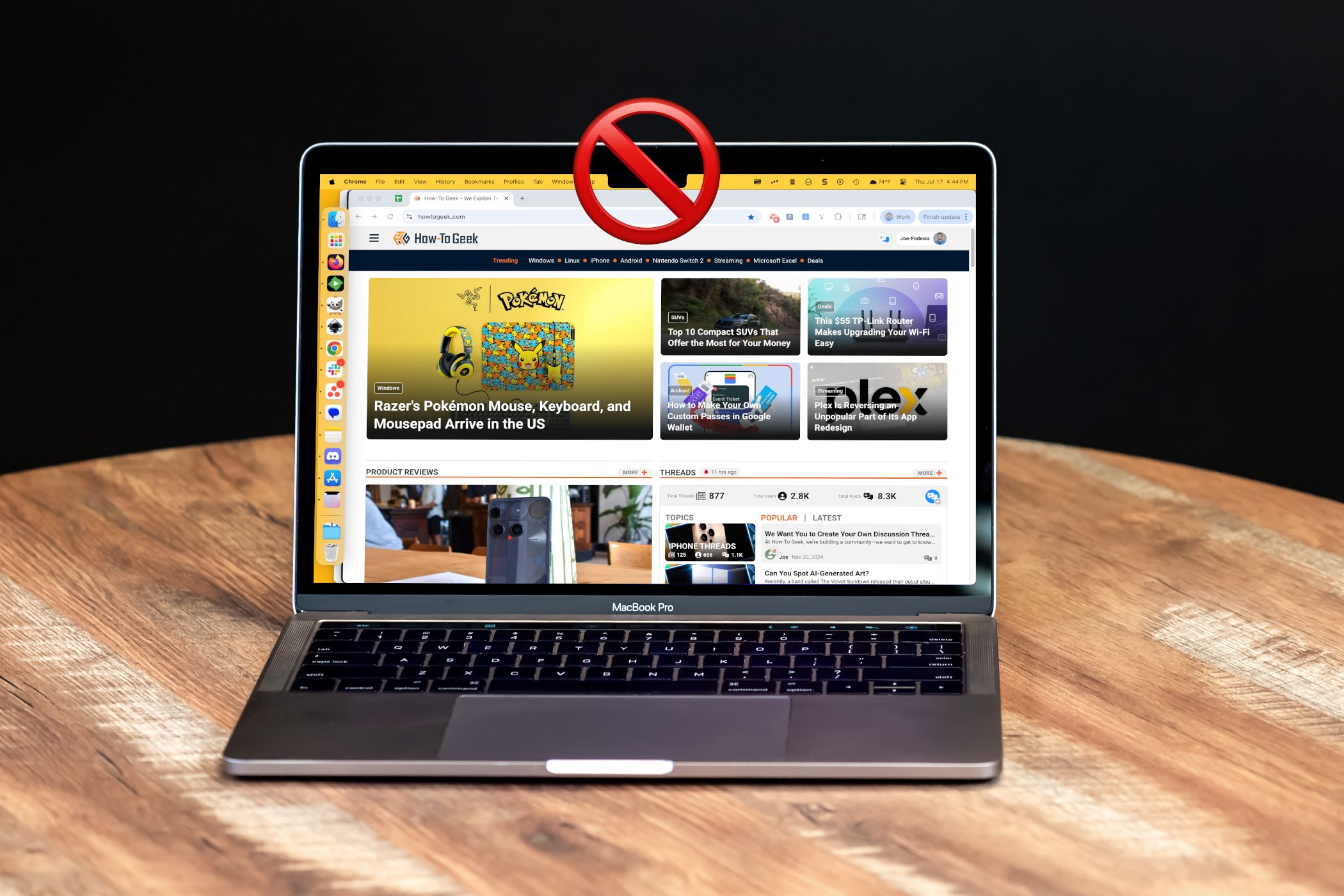
Apple first introduced the infamous screen notch to MacBooks with the redesigned 14-inch and 16-inch MacBook Pro models in October 2021. It was a controversial move, bringing a design element familiar to iPhone users (since the iPhone X in 2017) to the laptop world. The idea was to allow for thinner bezels by housing the webcam and sensors within the display area, effectively giving you more vertical screen real estate than if there were a thicker top bezel.
Related
MacBook Docking Stations Are So Much Cooler Than I Thought
The combination of a MacBook with an M chip and a docking station feels like the ultimate setup. I’m not sure I can ever go back to dividing my time between a desktop computer and a laptop. There’s something downright magical about pulling a computer out of my bag, plugging in a single cable, and seeing my full desktop battle station light up. This is the future I want to live in, and it’s all because I finally realized how cool docking stations are. Who knew!
Functionally, the notch accomplishes exactly what it’s designed to do, but aesthetically, it’s a bit odd to look at. When I got my first MacBook last year, I wasn’t terribly bothered by the notch, but I had heard about an app called TopNotch. This little app does something very simple and very effective—it simply turns your menu bar completely black. Since the menu bar sits right at the top of your screen, it hides the notch within that black space and creates the illusion that the notch isn’t even there.
TopNotch works in the background, constantly monitoring your wallpaper changes and adjusting to keep that menu bar perfectly black. It also tries to play nice with macOS Dynamic Desktop Wallpapers, though that particular feature can be buggy sometimes. It supports multiple displays as well, so you get that consistent notch-free experience across all your setups. One bonus touch that I like is the ability to add rounded corners for your wallpaper, which helps the illusion even more.
Another cool feature is the ability to use TopNotch only for your MacBook display, not monitors. When I’m sitting at my desk with my MacBook docked and looking at my big ultrawide monitor, the menu bar shows my desktop wallpaper from behind, like normal. But when I unplug and switch to laptop mode, the menu bar turns black to hide the notch. It’s incredibly seamless.
Again, I wasn’t bothered by the notch, but I can honestly say I legitimately forgot my MacBook had it for a long time since using TopNotch. I was only reminded of it recently when looking at photos of new MacBooks. I have the TopNotch menu bar icon hidden, so there’s really no indication that anything is running. It genuinely just works and makes my experience a little bit nicer than it would be otherwise.
TopNotch is a free app, and it couldn’t be easier to use. If you are annoyed by the notch on your MacBook screen, or you just prefer a cleaner look, I highly recommend it. Chances are you’ll set it up once and completely forget it’s there. That’s the sign of an effective tool.
Related
I Can’t Imagine Using My Mac Without This Free App
When I made the big switch to Mac as a long-time Windows user, there were a handful of features that were a top priority to replace. One such feature was the ability to snap windows into specific layouts, and I found an excellent Mac app to do it. Window tiling is an important part of my daily workflow. I use an ultrawide monitor, and I pretty much exclusively operate with multiple apps on the screen at once. macOS has some built-in window-tiling functionality, but it’s not as feature-packed as I’d like. So, I enlisted the help of a free app called “Rectangle.”
