


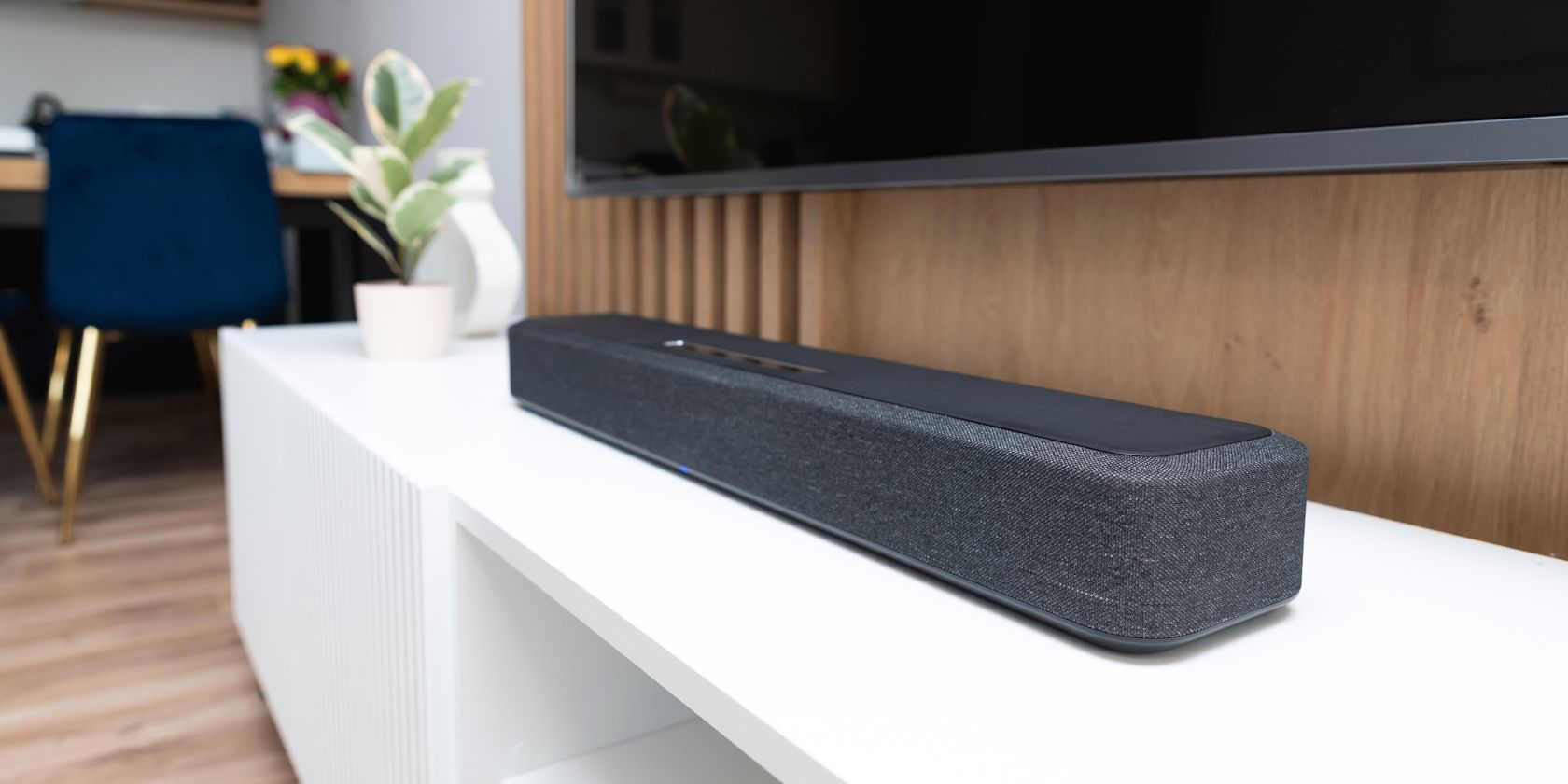
It’s enough to make you start scrolling through soundbar deals if you think your TV’s speakers are a lost cause. But before you throw money into one, it’s worth trying a few tweaks here and there on your smart TV to squeeze out better sound than you thought was possible.
5
Test Different TV Placements to Hear What Works
James Bruce / MakeUseOf
Don’t be the person who just plunks their TV down wherever there happens to be a power outlet; otherwise, you won’t get the best sound out of it. To find the best placement, run this quick test: pick a movie scene with crisp dialogue or a song you know like the back of your hand. Now, try moving the TV around—on a stand, mounted on the wall, maybe even try different shelf heights. As you shift it, really listen. Do the voices sound sharper when the TV sits on a solid surface? Does mounting it up on the wall make the audio feel wider and more spacious?
If your TV is mounted high, say above a fireplace, the sound from its speakers might travel over your head, making dialogue harder to catch. Ideally, position the TV so its speakers are at or near ear level when you’re seated. This directs sound waves straight to your ears. If wall-mounting isn’t an option, adjust the height of your TV stand or use risers to bring the speakers closer to ear level. Take notes on what works best in your space. If you have a friend, get their input too, just because an extra pair of fresh ears can catch details you might gloss over.
4
Explore Your TV Sound Modes
Oluwademilade Afolabi / MakeUseOf
Most smart TVs these days come loaded with a bunch of preset sound modes to give your ears the best possible experience, depending on what you’re watching. Here’s a rundown of what each mode brings to the table, quirks and all:
- Standard Mode: This is most likely your TV’s default setting out of the box. It doesn’t emphasize any particular frequencies, so it works well for everyday shows and news. However, it can sometimes make dialogue sound a bit flat or get lost in background noise, especially in busy scenes.
- Movie/Cinema/Theater Mode: Depending on what it’s labeled as on your TV, this mode typically boosts both the bass and treble and is great for action scenes and dramatic scores. However, depending on the mix, dialogue clarity can take a bit of a backseat.
- Music Mode: Flip this one on if you’re binging music videos or catching a live-streamed concert. It notches up the midrange frequencies where vocals and most instruments sit to make the sound more alive, richer, and fuller.
- Sports Mode: This one is for you if you love watching sports. It makes commentary and crowd noise pop, and would make you feel like you’re in the stands.
- Game Mode: As you can already guess, it’s tailored for gamers. It trims down audio lag and highlights sound effects so that you can react faster to in-game cues.
- News/Speech Mode: This preset is the best option when you just want to hear what people are actually saying. It boosts vocal frequencies and tones down background noise, especially helpful for dramas or talk shows.
- Late Night/Night Mode: This mode compresses the audio range, reducing loud sounds while keeping dialogue clear. It’s neighbor-friendly and perfect for after-hours viewing.
So, depending on what you’re watching or when, you might want to try one of these.
3
Adjust Your TV’s Equalizer Settings
Oluwademilade Afolabi / MakeUseOf
If none of the presets feel quite right, you can still take matters into your own hands with some manual EQ tweaks. Head into your TV’s sound menu (typically buried under Settings > Sound > Advanced or Expert Settings—it varies depending on your smart TV brand) and hunt down the equalizer. You’ll usually find it broken into frequency bands with labels like what mine shows: 100Hz, 500Hz, 1.5kHz, 5kHz, 10kHz, and so forth. Here’s a general idea of what these bands control:
- 100Hz–500Hz: Boosting this slightly can help voices sound fuller, but too much can make everything boomy or muddy.
- 1kHz–5kHz: This range affects speech clarity. A small bump here can make dialogue pop, especially in talk-heavy content like dramas or news.
- 10kHz and above: These higher frequencies handle sparkle and brightness. If things sound dull or muffled, nudging this upward might help—but go easy, or it can start to hiss.
Make small changes to the bands and test them out with content you normally watch, such as Netflix movies, YouTube videos, or sports. Trust your ears over the numbers. If it sounds right to you, then it is right.
Related
How to Use Equalizers (EQs) to Improve Your Audio
Knowing how to master equalizers will improve your audio. Let’s show you how they work.
2
Update Your Smart TV Firmware
Oluwademilade Afolabi / MakeUseOf
Manufacturers regularly (or irregularly) release software updates that patch smart TV security flaws and fine-tune performance. Sometimes, they improve audio processing or fix bugs that could be messing with your sound.
Related
What Is a Firmware Update and Why Does Your Device Need One?
Almost every bit of hardware has firmware, but what is it and why might you need to update it?
To check if there’s one waiting for you, head into your TV’s Settings menu and check under Support, About, or System for an option called Software Update or Firmware Update. If your TV’s connected to the internet, it should be able to check for updates automatically. If not, you might need to download the update to a USB drive from the manufacturer’s website and install it manually (cumbersome, but doable).
1
Try Hooking Up Your Smart TV With a Bluetooth Speaker
Oluwademilade Afolabi / MakeUseOf
If your TV’s built-in speakers still don’t deliver after taking these steps, maybe you should try something different before reaching for your wallet. Consider a Bluetooth portable speaker, especially for small to medium rooms. Most smart TVs support Bluetooth audio, so you just need to head to your TV’s sound settings, find Bluetooth devices, and pair your speaker.
Related
Top 7 Specs to Check Before Buying a Bluetooth Speaker
Bluetooth speakers are brilliant, but make sure you check out these crucial specs before splashing your hard-earned cash.
Position the speaker in front of your viewing area for the best results. If the brand supports it, you might even be able to link two of the same speakers as a stereo pair for broader sound. You’ll get improved dialogue clarity, better bass, and the flexibility to move your speaker where you want it. Another substantial bonus is that tons of Bluetooth speakers come with companion apps where you can tweak the EQ to your heart’s content.
However, you need to keep an eye (or ear) out for audio lag. Bluetooth connections can introduce slight delays between video and sound. Most TVs have A/V sync or audio delay settings tucked away somewhere to help iron this out. But if you really want to nail the timing, look for speakers that handle aptX or aptX Low Latency, assuming your TV plays nice with those codecs. Oh, and always make sure your speaker is fully charged.
After All These Tweaks, You’ll Know Whether You Actually Need a Soundbar
At this point, you’ve probably squeezed every last drop of potential out of your TV’s built-in speakers. This is likely the absolute peak of what your TV’s audio can offer—so how does it sound to you?
If your TV sound noticeably better after all that tweaking, maybe you can put off splurging on a soundbar for now. But if you’re still running into any of these audio headaches, it might be time to give one some serious thought:
- Dialogue remains difficult to understand, especially during quiet conversations
- Bass still feels weak or non-existent during explosive scenes
- The sound feels “trapped” in the TV rather than filling your room
- You need to adjust the volume between quiet dialogue and loud action constantly
- Audio becomes distorted at higher volumes
- You can’t achieve sufficient volume for your room size
Related
How I Upgraded My Home Audio Setup Without Spending Much
You can make your audio so much better, and it doesn’t have to cost a month’s wages.
The truth is, even with the most careful fine-tuning, TV speakers have hard limits. They’re wedged into paper-thin frames, using teeny-tiny drivers with barely any room to breathe. There’s only so much you can do with settings when the hardware itself is fundamentally limited.
