

Close Menu
TechurzTechurz

    Subscribe to Updates

    Get the latest creative news from FooBar about art, design and business.

    What's Hot

    Mesa shuts down credit card that rewarded cardholders for paying their mortgages

    December 14, 2025

    India’s Spinny lines up $160M funding to acquire GoMechanic, sources say

    December 14, 2025

    Netflix growing up, data center jet engines, and the circular AI economy

    December 12, 2025
    Facebook X (Twitter) Instagram
    Trending
    • Mesa shuts down credit card that rewarded cardholders for paying their mortgages
    • India’s Spinny lines up $160M funding to acquire GoMechanic, sources say
    • Netflix growing up, data center jet engines, and the circular AI economy
    • What most VCs won’t tell you about raising capital
    • Retro, a photo-sharing app for friends, lets you ‘time-travel’ through your camera roll
    • The market has ‘switched’ and founders have the power now, VCs say
    • Capital is a commodity (but your investor relationships aren’t)
    • Harness hits $5.5B valuation with $240M raise to automate AI’s ‘after-code’ gap
    Facebook X (Twitter) Instagram Pinterest Vimeo
    TechurzTechurz
    • Home
    • AI
    • Apps
    • News
    • Guides
    • Opinion
    • Reviews
    • Security
    • Startups
    TechurzTechurz
    Home»Guides»Windows 11 Has a New Way to Open the Emoji Picker
    Guides

    Windows 11 Has a New Way to Open the Emoji Picker

    TechurzBy TechurzMay 16, 2025No Comments3 Mins Read
    Share Facebook Twitter Pinterest LinkedIn Tumblr Reddit Telegram Email
    Windows 11 Has a New Way to Open the Emoji Picker
    Share
    Facebook Twitter LinkedIn Pinterest Email


    Summary

    • Windows 11 introduces a taskbar emoji icon, making it easier to access fun characters and GIFs.
    • The dedicated “emoji and more” panel allows access to emojis, GIFs, and icons across all applications.
    • Users can still use the Windows key + period shortcut, with the option to customize the new icon in taskbar settings.

    You know that feeling when you want to drop an emoji or GIF into a conversation, but you can’t quite remember the keyboard shortcut? Microsoft hears that pain, which is why there’s a subtle but significant change brewing that should make it that much easier.

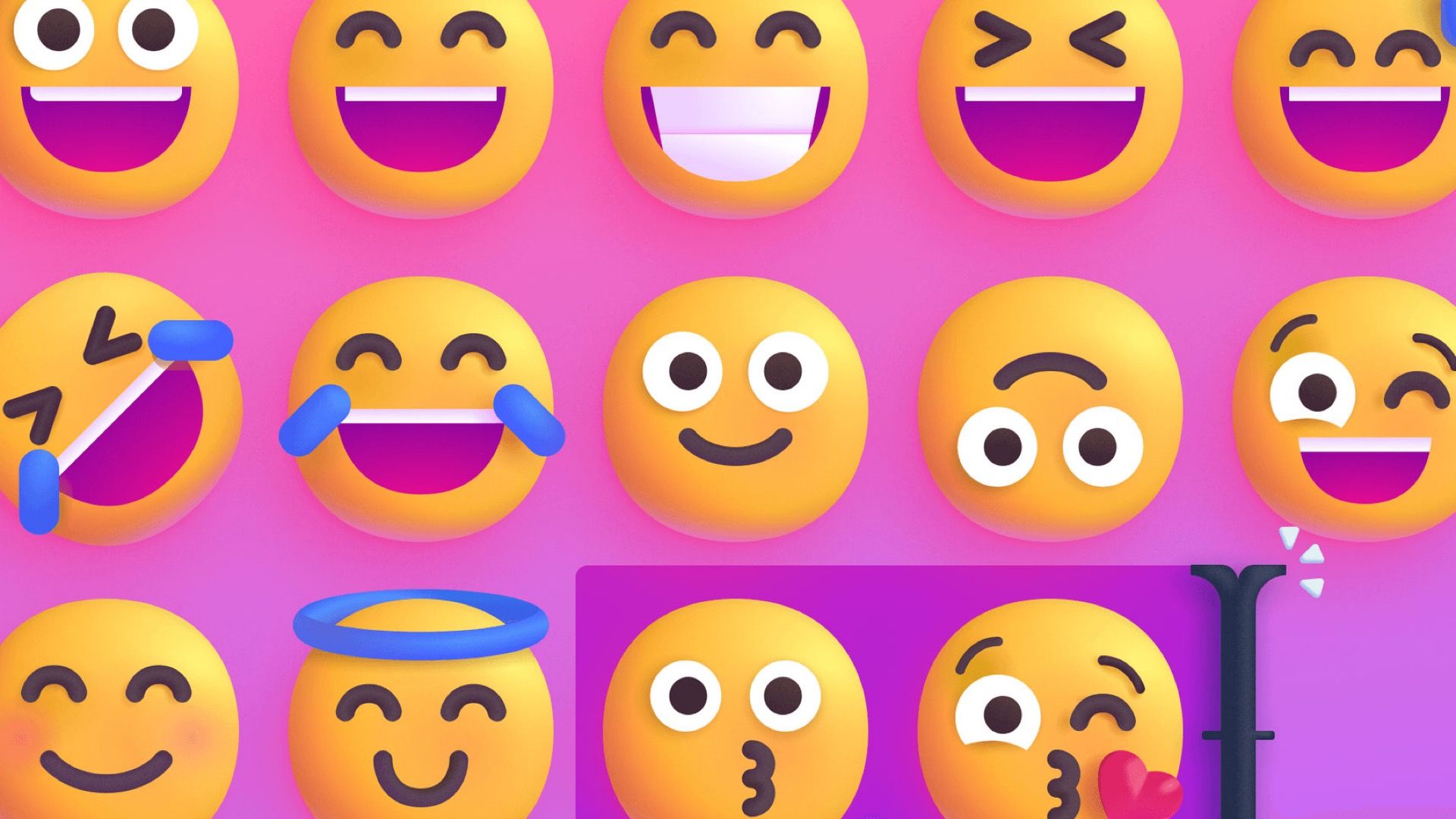
    Microsoft is rolling out a handy new addition to the Windows 11 taskbar—a dedicated system tray icon for the “emoji and more” panel. Before, you could only use the Windows key + period shortcut. That’s still available, of course, but it’s not super obvious to everyone. Now, there will be a little icon in the taskbar acting as a constant reminder of where you can grab some extra personality.

    Microsoft

    As the “emoji and more” name implies, this panel does give you more than just quirky faces and food icons. It contains emoji, GIFs, and a bunch of other icons and characters you might want. Since it’s in the taskbar, it works across all your applications and every corner of Windows, so you’re never stuck fumbling around.

    As mentioned, the keyboard shortcut isn’t going anywhere either. In fact, the shortcut is now prominently displayed within the “emoji and more” panel itself, which should make more people aware of it. Thankfully, you can also right-click the new icon to jump straight into your taskbar settings and decide if you want it or not.

    This new feature is being rolled out to the Canary Channel as part of Windows 11 Insider Preview Build 27858. In addition to the emoji button, key fixes in this build include resolving a black screen on upgrade and disappearing text for some users. File Explorer accessibility has been improved with better text scaling support, while desktop icons for packaged apps now appear larger and without an accent backplate. explorer.exe crashes related to snap layouts were fixed, and taskbar icons now scale correctly in tablet mode. Graphics issues, including night light functionality and unexpected FPS caps, have also been addressed.

    Source: Microsoft

    Related

    10 Windows Text-Entry Tricks You Should Be Using

    In addition to the emoji button, this build addresses a variety of issues. Key fixes include resolving a black screen on upgrade and disappearing text for some Insiders. File Explorer accessibility has been improved with better text scaling support, while desktop icons for packaged apps now appear larger and without an accent backplate. explorer.exe crashes related to snap layouts were fixed, and taskbar icons now scale correctly in tablet mode. Graphics issues, including night light functionality and unexpected FPS caps, have also been addressed, alongside improvements to network stability and MIDI device recognition.

    Emoji Open Picker Windows
    Share. Facebook Twitter Pinterest LinkedIn Tumblr Email
    Previous ArticleArc’s new 24-foot electric boat is its cheapest yet
    Next Article Samsung Galaxy S25 Edge in for review
    Techurz
    • Website

    Related Posts

    Opinion

    Simular’s AI agent wants to run your Mac, Windows PC for you

    December 2, 2025
    Opinion

    Lenskart recovers from tepid open to close first day slightly above IPO price

    November 10, 2025
    Opinion

    Elad Gil on which AI markets have winners — and which are still wide open

    November 4, 2025
    Add A Comment
    Leave A Reply Cancel Reply

    Top Posts

    College social app Fizz expands into grocery delivery

    September 3, 202524 Views

    A Former Apple Luminary Sets Out to Create the Ultimate GPU Software

    September 25, 202514 Views

    Bosch Series 6 Air Fryer review: a quality single-basket air fryer, perfect for smaller households

    August 3, 20259 Views
    Stay In Touch
    • Facebook
    • YouTube
    • TikTok
    • WhatsApp
    • Twitter
    • Instagram
    Latest Reviews

    Subscribe to Updates

    Get the latest tech news from FooBar about tech, design and biz.

    Most Popular

    College social app Fizz expands into grocery delivery

    September 3, 202524 Views

    A Former Apple Luminary Sets Out to Create the Ultimate GPU Software

    September 25, 202514 Views

    Bosch Series 6 Air Fryer review: a quality single-basket air fryer, perfect for smaller households

    August 3, 20259 Views
    Our Picks

    Mesa shuts down credit card that rewarded cardholders for paying their mortgages

    December 14, 2025

    India’s Spinny lines up $160M funding to acquire GoMechanic, sources say

    December 14, 2025

    Netflix growing up, data center jet engines, and the circular AI economy

    December 12, 2025

    Subscribe to Updates

    Get the latest creative news from FooBar about art, design and business.

    Facebook X (Twitter) Instagram Pinterest
    • About Us
    • Contact Us
    • Privacy Policy
    • Terms and Conditions
    • Disclaimer
    © 2025 techurz. Designed by Pro.

    Type above and press Enter to search. Press Esc to cancel.