

Close Menu
TechurzTechurz

    Subscribe to Updates

    Get the latest creative news from FooBar about art, design and business.

    What's Hot

    Netflix growing up, data center jet engines, and the circular AI economy

    December 12, 2025

    What most VCs won’t tell you about raising capital

    December 12, 2025

    Retro, a photo-sharing app for friends, lets you ‘time-travel’ through your camera roll

    December 12, 2025
    Facebook X (Twitter) Instagram
    Trending
    • Netflix growing up, data center jet engines, and the circular AI economy
    • What most VCs won’t tell you about raising capital
    • Retro, a photo-sharing app for friends, lets you ‘time-travel’ through your camera roll
    • The market has ‘switched’ and founders have the power now, VCs say
    • Capital is a commodity (but your investor relationships aren’t)
    • Harness hits $5.5B valuation with $240M raise to automate AI’s ‘after-code’ gap
    • On Me raises $6M to shake up the gift card industry
    • Interest in Spoor’s bird monitoring AI software is soaring
    Facebook X (Twitter) Instagram Pinterest Vimeo
    TechurzTechurz
    • Home
    • AI
    • Apps
    • News
    • Guides
    • Opinion
    • Reviews
    • Security
    • Startups
    TechurzTechurz
    Home»News»You can zoom to read in Chrome for Android with these new AI and accessibility features
    News

    You can zoom to read in Chrome for Android with these new AI and accessibility features

    TechurzBy TechurzMay 16, 2025No Comments3 Mins Read
    Share Facebook Twitter Pinterest LinkedIn Tumblr Reddit Telegram Email
    You can zoom to read in Chrome for Android with these new AI and accessibility features
    Share
    Facebook Twitter LinkedIn Pinterest Email


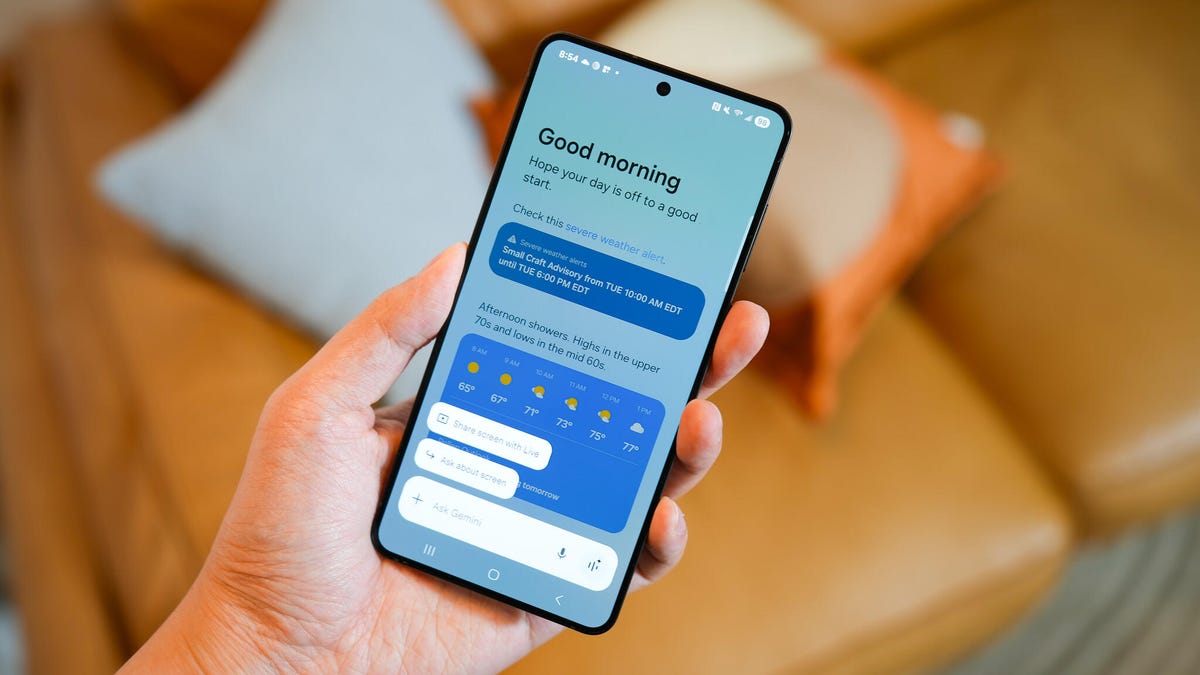
    Kerry Wan/ZDNET

    In honor of Global Accessibility Awareness Day, Google announced it’s helping people access their devices in new ways. There are two accessibility features for both Android and Chrome. 

    Here’s what’s new.

    New accessibility features for Android

    Improved Gemini in TalkBack: Last year, Google added image description capability powered by Gemini to TalkBack, the Android screen reader that lets people with vision impairments interact with their devices through spoken words, vibrations, and other audio feedback. 

    Also: This hidden Google Earth slider lets you travel back in time – up to 80 years. How to try it

    Google has expanded that integration to let people go beyond a description and ask questions about an image. For example, if a friend texts you a photo of their new guitar, you can get a description and ask questions about the make and color (or anything else in that image). If you’re shopping, you can ask Gemini about the material of an item on screen or if there’s a sale.

    Google

    Better Expressive Captions: With a feature called Expressive Captions, users can go beyond a simple transcription of words and get a sense of the feeling of those words. For example, “Oh my gosh, MOM!” on a video from family, or “Catch it, James! OH MY GOODNESS! YES!” on a high school football game video. 

    Also: How to blur your house on Google Street View (and 4 reasons why people do it)

    Google explained that captions will now have an AI-assisted duration feature that adds text like, “Oh nooooooooo!” or “GOAAAAAAAAAAAAAL!”. You’ll also see more labels for sounds like [clearing throat] or [applause].  

    New accessibility features for Chrome

    Improved PDF access: Previously, if you opened a scanned PDF with Chrome, there was no way to use a screen reader to interact with it. Now, thanks to OCR, Chrome can recognize text in a document and allow you to highlight it, copy it, search it, or use a screen reader to read the text aloud. 

    Also: You can ask Google Maps questions now, thanks to Gemini

    A more functional Page Zoom: With the existing Page Zoom feature in Chrome for Android, you could zoom in to take a closer look at a website, but you didn’t see the site’s original layout if you went in too far. Now, you can increase the text size on a page while keeping the original page design (exactly how the feature works on Chrome for desktop). You can set different zoom levels for specific pages or set it to apply across the board.

    Google

    To start using Page Zoom, tap the three-dot menu in the top-right corner of Chrome and set your zoom preferences.

    Accessibility Android Chrome features read Zoom
    Share. Facebook Twitter Pinterest LinkedIn Tumblr Email
    Previous ArticleImperium Hosting review | TechRadar
    Next Article These Are the 6 Apple Intelligence Features I Regularly Use in iOS 18.5
    Techurz
    • Website

    Related Posts

    Security

    This premium Android phone is $150 off before Black Friday – act fast since this deal won’t last

    November 2, 2025
    Security

    Not enough people are talking about this budget Android phone that’s feature rich

    October 31, 2025
    Security

    This simple Pixel update finally makes my Android calls as nice as iPhone’s

    October 30, 2025
    Add A Comment
    Leave A Reply Cancel Reply

    Top Posts

    College social app Fizz expands into grocery delivery

    September 3, 202520 Views

    A Former Apple Luminary Sets Out to Create the Ultimate GPU Software

    September 25, 202513 Views

    The Reason Murderbot’s Tone Feels Off

    May 14, 20259 Views
    Stay In Touch
    • Facebook
    • YouTube
    • TikTok
    • WhatsApp
    • Twitter
    • Instagram
    Latest Reviews

    Subscribe to Updates

    Get the latest tech news from FooBar about tech, design and biz.

    Most Popular

    College social app Fizz expands into grocery delivery

    September 3, 202520 Views

    A Former Apple Luminary Sets Out to Create the Ultimate GPU Software

    September 25, 202513 Views

    The Reason Murderbot’s Tone Feels Off

    May 14, 20259 Views
    Our Picks

    Netflix growing up, data center jet engines, and the circular AI economy

    December 12, 2025

    What most VCs won’t tell you about raising capital

    December 12, 2025

    Retro, a photo-sharing app for friends, lets you ‘time-travel’ through your camera roll

    December 12, 2025

    Subscribe to Updates

    Get the latest creative news from FooBar about art, design and business.

    Facebook X (Twitter) Instagram Pinterest
    • About Us
    • Contact Us
    • Privacy Policy
    • Terms and Conditions
    • Disclaimer
    © 2025 techurz. Designed by Pro.

    Type above and press Enter to search. Press Esc to cancel.