

Close Menu
TechurzTechurz
    What's Hot

    Bluesky launches group chats, as company shifts focus to community features

    June 11, 2026

    Quantum Space’s military SPAC is trying to catch SpaceX’s IPO wave

    June 11, 2026

    Microsoft taps Alt Carbon in sign of India’s growing role in carbon removal

    June 11, 2026
    X (Twitter) Pinterest YouTube LinkedIn WhatsApp
    Tech Pulse
    • Bluesky launches group chats, as company shifts focus to community features
    • Quantum Space’s military SPAC is trying to catch SpaceX’s IPO wave
    • Microsoft taps Alt Carbon in sign of India’s growing role in carbon removal
    • Opendoor’s India exit is fueling a bigger conversation about AI and outsourcing
    • Why Andrew Yang is building instead of waiting for Washington
    X (Twitter) Pinterest YouTube LinkedIn WhatsApp
    TechurzTechurz
    • Home
    • Tech Pulse
    • Future Tech
    • AI Systems
    • Cyber Reality
    • Disruption Lab
    • Signals
    TechurzTechurz
    Home - Guides - You Need to Know These New Google Meet Camera Tools for Your Next Call
    Guides

    You Need to Know These New Google Meet Camera Tools for Your Next Call

    TechurzBy TechurzJune 5, 2025Updated:May 12, 2026No Comments3 Mins Read
    Share Facebook Twitter Pinterest LinkedIn Tumblr Reddit Telegram Email
    You Need to Know These New Google Meet Camera Tools for Your Next Call
    Share
    Facebook Twitter LinkedIn Pinterest Email


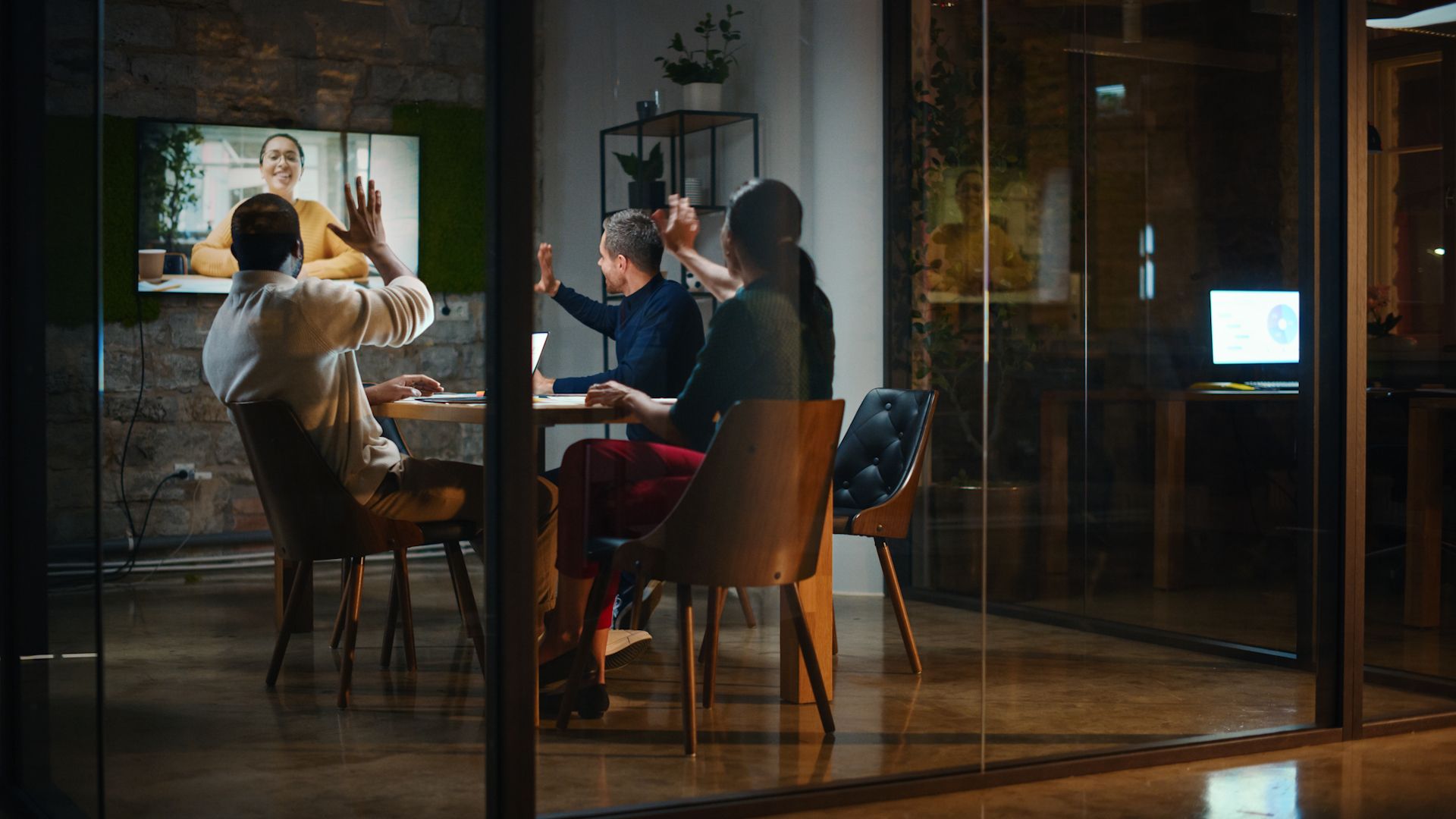
    Google Meet has added a handy new feature that allows you to present content straight from your camera feed. This means you can share live video from external devices like document cameras or professional video tools. Now, you can go beyond screen or tab sharing and make meetings and classes more interactive.

    Present Live With External Cameras

    Google

    Instead of just sharing your screen, Google Meet now lets you select an external camera as your main presentation source. Whether it’s a document camera showing physical papers or high-quality video production gear, you can stream it live at up to 1080p resolution and 30 frames per second.

    The update opens up exciting possibilities for educators demonstrating hands-on lessons or professionals showcasing products and demos with more clarity. Even organizations can stream polished video content directly into meetings for events like town halls by arranging alternative cameras.

    Sharing a PowerPoint Slideshow over Google Meet sounds almost primitive now.

    Experience Sharper Screen Sharing Too

    Alongside this, Google has improved the overall screen sharing experience. Screen shares now start faster, so you won’t lose time waiting to present. The video quality is sharper, especially when sharing dynamic content such as scrolling text or embedded videos. If another participant starts sharing their screen, your presentation will automatically resume once they finish, reducing interruptions. Plus, the screen sharing button has been made larger and easier to find in the interface.

    Related

    A Complete Guide to Hosting Meetings in Google Meet

    Are you looking to host a seamless and engaging online meeting? Learn everything you need to know about hosting in Google Meet.

    Who Can Use This?

    According to the Google Workspace announcement, the update is rolling out gradually. Users on rapid release domains started getting the feature from June 4, 2025, with full availability expected within two weeks. Scheduled release domains will get it from June 11.

    The feature is available for all Google Workspace plans, including Business Standard, Enterprise editions, Education Plus, and Workspace Individual subscribers.

    It Matters a Great Deal for Virtual Collaborations

    This update bridges the gap between physical and digital content during virtual meetings. As someone who has attended many video calls, I find sharing physical documents or demonstrations to be a challenge. This new option frees anyone from the constraints of the webcam and the desktop.

    Teachers can bring real-world materials into online lessons. For instance, a teacher can use an external camera to demonstrate lab experiments, intricate diagrams, or physical models to remote students.

    A professional can demonstrate how a product operates in real-time during a virtual meeting.

    As hybrid work and remote learning are now common, tools like this make virtual meetups and collaboration feel more natural. By integrating live camera feeds and document cameras seamlessly, Google Meet can become the hub for companion cameras to provide different angles or close-ups. We look forward to seeing how creative folks put this to work.

    call camera Google Meet tools
    Share. Facebook Twitter Pinterest LinkedIn Tumblr Email
    Previous ArticleElon Musk and Donald Trump are smack talking each other into their own digital echo chambers
    Next Article Hacker erbeuten Salesforce-Daten mit Vishing
    Techurz
    • Website

    Related Posts

    Opinion

    Lovable signs multiyear deal with Google Cloud to up usage 5x, source says

    June 3, 2026
    Opinion

    Meet Shapes, the app bringing humans and AI into the same group chats

    April 29, 2026
    Opinion

    Meet Noscroll, an AI bot that does your doomscrolling for you

    April 23, 2026
    Add A Comment
    Latest Tech Pulse

    College social app Fizz expands into grocery delivery

    September 3, 20252,289

    SolarSquare in talks to raise up to $60M as India’s rooftop solar market draws major VC interest

    May 23, 202621

    A Former Apple Luminary Sets Out to Create the Ultimate GPU Software

    September 25, 202518
    Stay In Touch
    • YouTube
    • WhatsApp
    • Twitter
    • Pinterest
    • LinkedIn

    Techurz helps readers stay ahead of digital change with clear, practical, future focused technology intelligence written today,searched tomorrow.

    X (Twitter) Pinterest YouTube LinkedIn WhatsApp
    Company
    • About Us
    • Contact Us
    • Our Authors / Editorial Team
    • Write For Us
    • Advertise
    Policy
    • Editorial Policy
    • Privacy Policy
    • Terms and Conditions
    • Affiliate Disclosure
    • Cookie Policy
    • Disclaimer
    • DMCA
    Explore
    • AI Systems
    • Cyber Reality
    • Future Tech
    • Disruption Lab
    • Signals
    • Tech Pulse
    • Sitemap

    Join the Techurz Brief

    The future does not arrive suddenly.
    Stay ahead with fast, sharp tech signals.

    Type above and press Enter to search. Press Esc to cancel.