


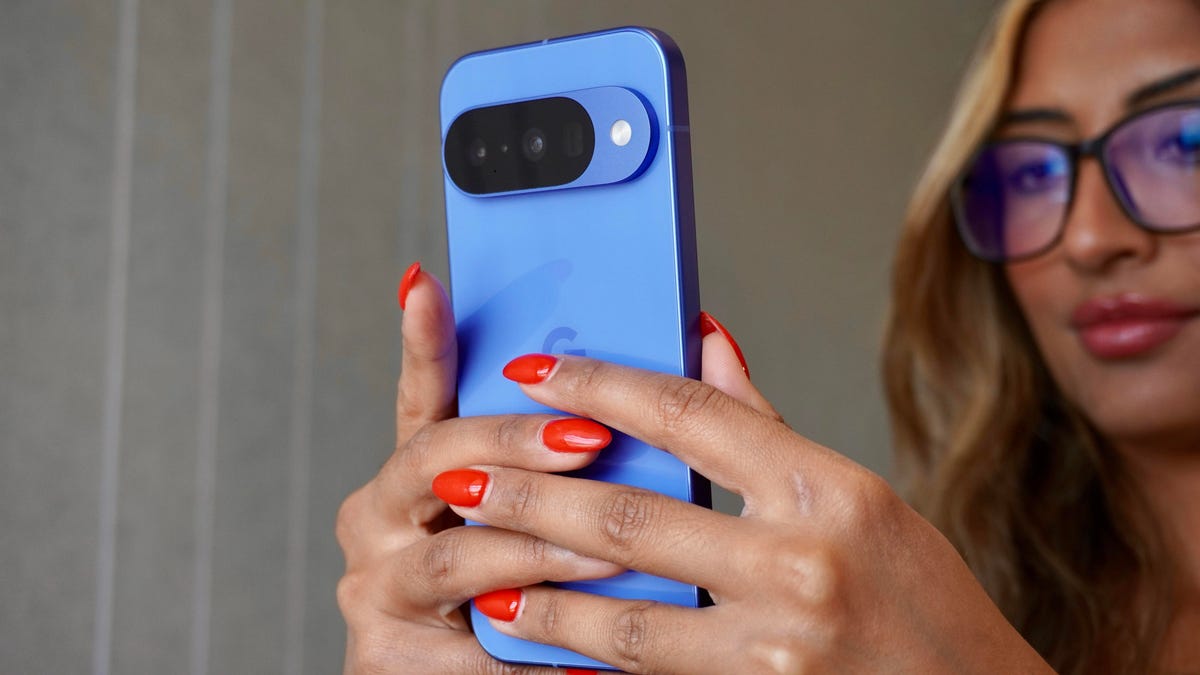
Kerry Wan/ZDNET
Follow ZDNET: Add us as a preferred source on Google.
ZDNET’s key takeaways
- Android’s Camera app can dramatically improve your videos.
- There are three features that are either new and/or improved.
- These features are easy enough for anyone to use.
One of the reasons why I’ve stuck with the Pixel phones is because of the camera. I’ve yet to test an Android phone with a superior sensor and app, and the results generally speak for themselves.
But with video, Android has lagged a bit behind iOS. Filming with an iPhone is typically more elegant and offers more features. However, Google is slowly catching up, and the latest batch of updates brings new features and improves others.
Let’s chat about those features, shall we?
1. Video Boost
This is probably the most important new feature found in the Android Camera app. Essentially, Video Boost enhances color, lighting, and stabilization in one fell swoop. On top of that, Video Boost enables filming in 8K resolution. I’ve found the results of using this feature to be dramatic — especially in low-light situations.
Also: Google Pixel 10 Pro vs. iPhone 16 Pro: I’ve tried both flagships, and there’s an easy winner
In fact, I often default to Video Boost simply because the overall results are better than when not using it. But don’t be fooled, Video Boost isn’t limited to low-light situations. I’ve used the feature in all sorts of conditions and found it improves the results. That being said, the results are far more obvious when filming in low light.
The Video Boost image is on the right.
Jack Wallen/ZDNET
To use Video Boost, open your Camera app and tap the Video button. Tap the Settings icon in the lower left corner and then tap the right icon (camera with no line across it) associated with Video Boost.
Also: Best vlogging cameras (and whether you need a flip screen)
I would suggest only using Video Boost when necessary.
Jack Wallen/ZDNET
Once the feature is on, it will remain on until you turn it off.
2. Improved video stabilization
Have you ever been filming an important moment, only to view the saved video and find it to be too shaky to share? It’s happened to me too many times. Thankfully, Google has improved the video stabilization to the point where you can depend on it now. Prior to this update, I found video stabilization to only slightly improve the results. With the new iteration, it’s quite good.
There are three modes for video stabilization:
- Locked: Think of this as tripod mode and use it when you’re not moving.
- Standard: Steadies light movements.
- Active: Results in smooth video when you’re on the move.
There’s one important factor to keep in mind: not every stabilization mode works with every setting. For example, to use Active mode, you must be in FHD resolution and 30FPS. All modes are unavailable with Video Boost active.
You’ll have to experiment with different feature combinations to know how to enable each stabilization mode.
Jack Wallen/ZDNET
To select your Stabilization mode, open the Camera app video settings and tap the mode you want to use.
Also: How to turn your Google Photos into videos in seconds – it’s free and so much fun
I would suggest turning Stabilization off when you’re done filming because you might not need it for regular videos (and it does use a bit more processor overhead when on).
3. Blur
In filming, there’s something called rack focus that switches focus from one subject to another (typically, one subject is farther away than the other). This can add a dramatic effect to videos, and the Android camera app has this built in.
Racking focus isn’t actually the purpose of Blur, but it’s a nice bonus. What Blur is really for is filming a subject with a blurred background. Think of it like Portrait Mode for video. The Blur feature works well in Android 15 when using it for its intended purpose. When you use it for racking focus, it can get a bit tricky.
If you’re curious about using Blur for racking focus, open the Camera app, switch to Video, slide it to Blur, and frame your subjects. Tap on the closest subject, and everything behind it will blur. Then tap on the subject that’s farthest away, and everything closer will blur. You can shift the focus back and forth (for a nice dramatic effect), but tap between subjects when necessary.
I’ve used Blur quite a bit and found it to be a wonderful addition.
Want to follow my work? Add ZDNET as a trusted source on Google.
