

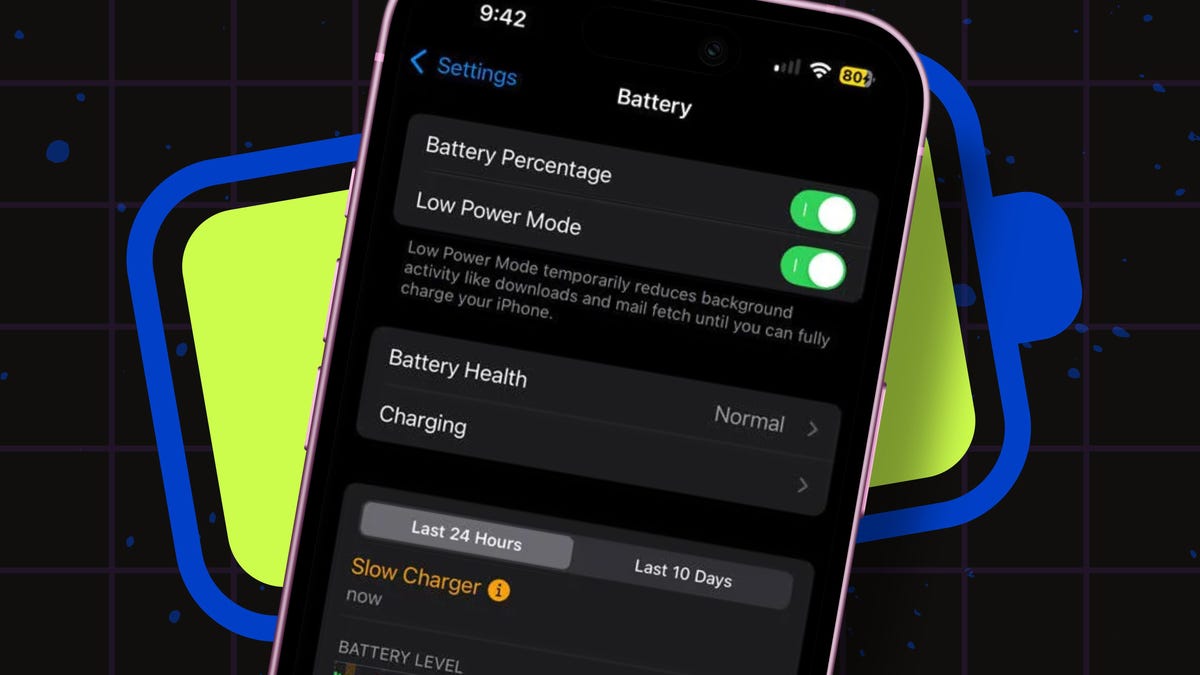
The Wi-Fi and cellular services chew up your battery charge as they’re constantly searching for nearby networks. Shutting down one or the other can help keep your battery charge alive.
Consider turning off Wi-Fi if you’re in an area with no connectivity or you’re using only cellular data when you’re out and about. To do this, go to Settings, select Wi-Fi, and turn off the switch.
Or, consider turning off cellular if you’re in a public spot with a good Wi-Fi network, such as a restaurant, café, library, or museum. For this, head to Settings, select Cellular, tap your current cellular provider or service, and set it to Off. You can also turn off either Wi-Fi or cellular service from Control Center.
To turn off both (such as when you’re on a plane with no connectivity), just enable Airplane Mode. Go to Settings and turn on the Switch for Airplane Mode or tap the airplane icon in Control Center.
