

Close Menu
TechurzTechurz

    Subscribe to Updates

    Get the latest creative news from FooBar about art, design and business.

    What's Hot

    Didero lands $30M to put manufacturing procurement on ‘agentic’ autopilot

    February 12, 2026

    Eclipse backs all-EV marketplace Ever in $31M funding round

    February 12, 2026

    Complyance raises $20M to help companies manage risk and compliance

    February 12, 2026
    Facebook X (Twitter) Instagram
    Trending
    • Didero lands $30M to put manufacturing procurement on ‘agentic’ autopilot
    • Eclipse backs all-EV marketplace Ever in $31M funding round
    • Complyance raises $20M to help companies manage risk and compliance
    • Meridian raises $17 million to remake the agentic spreadsheet
    • 2026 Joseph C. Belden Innovation Award nominations are open
    • AI inference startup Modal Labs in talks to raise at $2.5B valuation, sources say
    • Who will own your company’s AI layer? Glean’s CEO explains
    • How to get into a16z’s super-competitive Speedrun startup accelerator program
    Facebook X (Twitter) Instagram Pinterest Vimeo
    TechurzTechurz
    • Home
    • AI
    • Apps
    • News
    • Guides
    • Opinion
    • Reviews
    • Security
    • Startups
    TechurzTechurz
    Home»Apps»Enable This Hidden iPhone Feature. Your Eyes Will Thank You
    Apps

    Enable This Hidden iPhone Feature. Your Eyes Will Thank You

    TechurzBy TechurzJune 3, 2025No Comments3 Mins Read
    Share Facebook Twitter Pinterest LinkedIn Tumblr Reddit Telegram Email
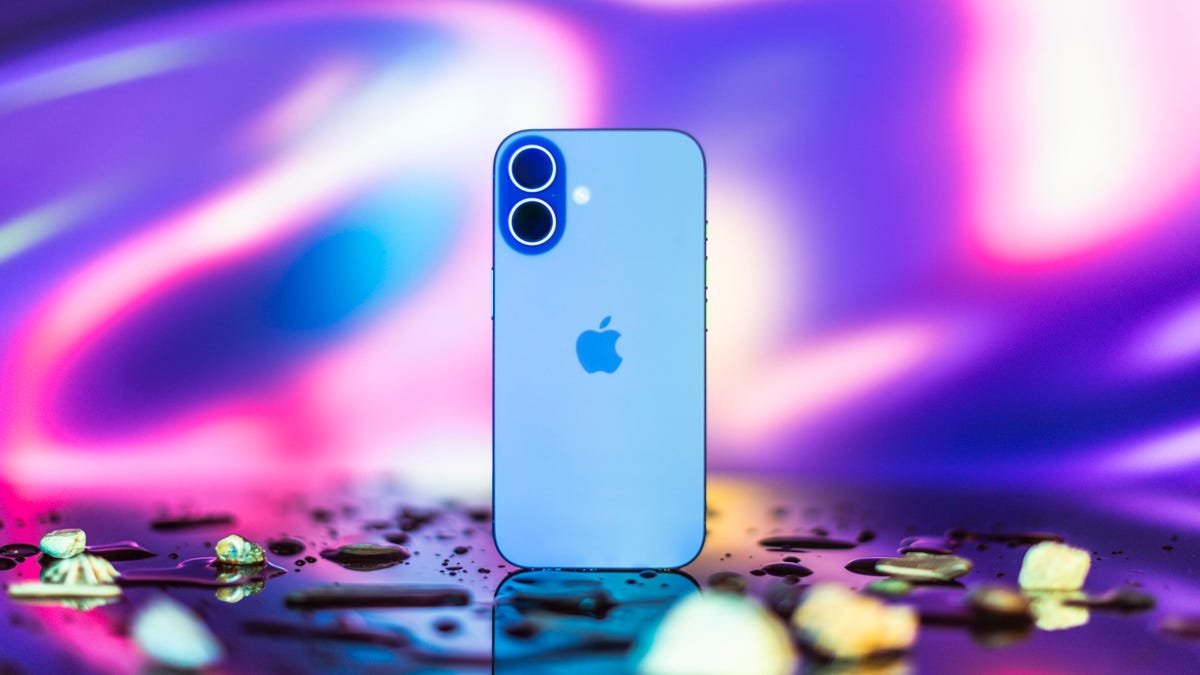
    Apple's iPhone 16
    Share
    Facebook Twitter LinkedIn Pinterest Email

    According to my iPhone, I spend more than 8 hours a day on my phone — yikes. I’m sure I hold my iPhone close to my face at times, especially at night, and that might be why my eyes feel uncomfortable sometimes, like I’ve got something in them. Luckily, there’s a hidden iPhone feature that could help me — and others — take better care of our eyes called Screen Distance. 

    Read more: Screen Time Matters When It Comes to Your Eye Health

    CNET

    The feature warns you when you’re holding your iPhone or iPad too close to your face, sort of like having a parent tell you to sit farther back from the television or computer screen. Although having a screen near your face might not harm your eyes, it could stress and irritate them, according to health care organization Cedars-Sinai. Thankfully, this iPhone feature aims to help reduce eyestrain. According to Apple, it could even lower the risk of myopia, or nearsightedness.

    Here’s how to turn Screen Distance on and give your eyes a break.

    Turn on Screen Distance

    1. Open Settings.
    2. Tap Screen Time.
    3. Tap Screen Distance. 

    These screens appear the first time you access Screen Distance.

    Screenshot by Zach McAuliffe/CNET

    Then you’ll see two screens explaining what Screen Distance is and how it works. Tap Continue on both screens, and Screen Distance automatically turns on after these screens. Both screens appear only the first time you go into Screen Distance.

    Now, after holding your iPhone too close to your face for a few minutes, your screen gets blocked by a message reading, “iPhone May Be Too Close.” 

    When you hold your iPhone too close to your face for too long, Screen Distance blocks your screen.

    Zach McAuliffe/CNET

    Your screen remains blocked until you hold your iPhone farther away. Then, your screen shows a checkmark, and you have to tap Continue to remove the block. 

    Read more: How to Beat Eyestrain, According to Optometrists

    Turning off Screen Distance

    Screen Distance is a useful iOS feature that may reduce eyestrain and even decrease the risk of nearsightedness. However, if you find the warnings more annoying than helpful, here’s how to turn Screen Distance off.

    1. Open Settings.
    2. Tap Screen Time.
    3. Tap Screen Distance.
    4. Tap the toggle next to Screen Distance.

    Now you can go back to holding your iPhone as close to your face as you want without interruption from your phone — or your parents. 

    For more iOS news, here’s all the features included in iOS 18.5 and iOS 18.4. You can also check out our iOS 18 cheat sheet and what we hope to see in iOS 19.

    Watch this: WWDC 25: Expect Big Changes to iOS, but Not Much on a Smarter Siri

    05:17

    Enable eyes Feature hidden iPhone
    Share. Facebook Twitter Pinterest LinkedIn Tumblr Email
    Previous ArticleWhy Buy Any Other Earbuds?
    Next Article OpenAI’s Sora is now available for FREE to all users through Microsoft Bing Video Creator on mobile
    Techurz
    • Website

    Related Posts

    Opinion

    Gradient’s heat pumps get new smarts to enable old-building retrofits

    February 3, 2026
    Security

    This AirPods hack is a game-changer for frequent flyers – how to find it in your iPhone settings

    November 2, 2025
    Security

    OpenAI launches Aardvark to detect and patch hidden bugs in code

    October 31, 2025
    Add A Comment
    Leave A Reply Cancel Reply

    Top Posts

    College social app Fizz expands into grocery delivery

    September 3, 20251,543 Views

    A Former Apple Luminary Sets Out to Create the Ultimate GPU Software

    September 25, 202514 Views

    The Reason Murderbot’s Tone Feels Off

    May 14, 202511 Views
    Stay In Touch
    • Facebook
    • YouTube
    • TikTok
    • WhatsApp
    • Twitter
    • Instagram
    Latest Reviews

    Subscribe to Updates

    Get the latest tech news from FooBar about tech, design and biz.

    Most Popular

    College social app Fizz expands into grocery delivery

    September 3, 20251,543 Views

    A Former Apple Luminary Sets Out to Create the Ultimate GPU Software

    September 25, 202514 Views

    The Reason Murderbot’s Tone Feels Off

    May 14, 202511 Views
    Our Picks

    Didero lands $30M to put manufacturing procurement on ‘agentic’ autopilot

    February 12, 2026

    Eclipse backs all-EV marketplace Ever in $31M funding round

    February 12, 2026

    Complyance raises $20M to help companies manage risk and compliance

    February 12, 2026

    Subscribe to Updates

    Get the latest creative news from FooBar about art, design and business.

    Facebook X (Twitter) Instagram Pinterest
    • About Us
    • Contact Us
    • Privacy Policy
    • Terms and Conditions
    • Disclaimer
    © 2026 techurz. Designed by Pro.

    Type above and press Enter to search. Press Esc to cancel.