

Close Menu
TechurzTechurz
    What's Hot

    Peec, one of Berlin’s rising startups, more than doubled annualized revenue in months to $10M, sources say

    May 23, 2026

    This young startup is taking on a fragrance industry that hasn’t changed in a almost half century

    May 21, 2026

    Maka Kids is redefining kids’ screen time with a streaming app optimized for well-being, not engagement

    May 21, 2026
    Facebook X (Twitter) Instagram
    Tech Pulse
    • Peec, one of Berlin’s rising startups, more than doubled annualized revenue in months to $10M, sources say
    • This young startup is taking on a fragrance industry that hasn’t changed in a almost half century
    • Maka Kids is redefining kids’ screen time with a streaming app optimized for well-being, not engagement
    • Beauty booking startup Fresha hits $1 billion valuation with KKR backing
    • General Catalyst just led a $63M bet on India’s travel payments market
    X (Twitter) Pinterest YouTube LinkedIn WhatsApp
    TechurzTechurz
    • Home
    • Tech Pulse
    • Future Tech
    • AI Systems
    • Cyber Reality
    • Disruption Lab
    • Signals
    TechurzTechurz
    Home - Apps - Enable This Hidden iPhone Feature. Your Eyes Will Thank You
    Apps

    Enable This Hidden iPhone Feature. Your Eyes Will Thank You

    TechurzBy TechurzJune 3, 2025Updated:May 11, 2026No Comments3 Mins Read
    Share Facebook Twitter Pinterest LinkedIn Tumblr Reddit Telegram Email
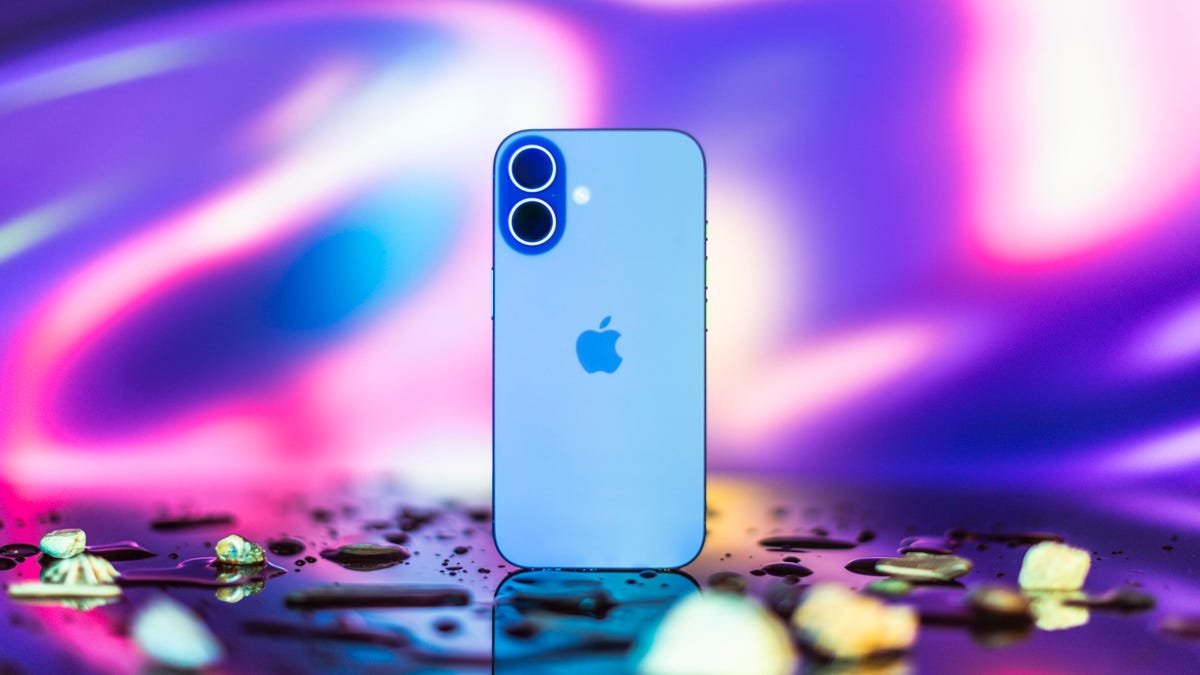
    Apple's iPhone 16
    Share
    Facebook Twitter LinkedIn Pinterest Email

    According to my iPhone, I spend more than 8 hours a day on my phone — yikes. I’m sure I hold my iPhone close to my face at times, especially at night, and that might be why my eyes feel uncomfortable sometimes, like I’ve got something in them. Luckily, there’s a hidden iPhone feature that could help me — and others — take better care of our eyes called Screen Distance. 

    Read more: Screen Time Matters When It Comes to Your Eye Health

    CNET

    The feature warns you when you’re holding your iPhone or iPad too close to your face, sort of like having a parent tell you to sit farther back from the television or computer screen. Although having a screen near your face might not harm your eyes, it could stress and irritate them, according to health care organization Cedars-Sinai. Thankfully, this iPhone feature aims to help reduce eyestrain. According to Apple, it could even lower the risk of myopia, or nearsightedness.

    Here’s how to turn Screen Distance on and give your eyes a break.

    Turn on Screen Distance

    1. Open Settings.
    2. Tap Screen Time.
    3. Tap Screen Distance. 

    These screens appear the first time you access Screen Distance.

    Screenshot by Zach McAuliffe/CNET

    Then you’ll see two screens explaining what Screen Distance is and how it works. Tap Continue on both screens, and Screen Distance automatically turns on after these screens. Both screens appear only the first time you go into Screen Distance.

    Now, after holding your iPhone too close to your face for a few minutes, your screen gets blocked by a message reading, “iPhone May Be Too Close.” 

    When you hold your iPhone too close to your face for too long, Screen Distance blocks your screen.

    Zach McAuliffe/CNET

    Your screen remains blocked until you hold your iPhone farther away. Then, your screen shows a checkmark, and you have to tap Continue to remove the block. 

    Read more: How to Beat Eyestrain, According to Optometrists

    Turning off Screen Distance

    Screen Distance is a useful iOS feature that may reduce eyestrain and even decrease the risk of nearsightedness. However, if you find the warnings more annoying than helpful, here’s how to turn Screen Distance off.

    1. Open Settings.
    2. Tap Screen Time.
    3. Tap Screen Distance.
    4. Tap the toggle next to Screen Distance.

    Now you can go back to holding your iPhone as close to your face as you want without interruption from your phone — or your parents. 

    For more iOS news, here’s all the features included in iOS 18.5 and iOS 18.4. You can also check out our iOS 18 cheat sheet and what we hope to see in iOS 19.

    Watch this: WWDC 25: Expect Big Changes to iOS, but Not Much on a Smarter Siri

    05:17

    Enable eyes Feature hidden iPhone
    Share. Facebook Twitter Pinterest LinkedIn Tumblr Email
    Previous ArticleWhy Buy Any Other Earbuds?
    Next Article OpenAI’s Sora is now available for FREE to all users through Microsoft Bing Video Creator on mobile
    Techurz
    • Website

    Related Posts

    Opinion

    Marc Lore says that AI will soon enable anyone open a restaurant

    May 6, 2026
    Opinion

    Investors back Skye’s AI home screen app for iPhone ahead of launch

    April 27, 2026
    Opinion

    In a vote of confidence for Meta’s Threads, Kalshi adds sharing feature

    March 10, 2026
    Add A Comment
    Latest Tech Pulse

    College social app Fizz expands into grocery delivery

    September 3, 20252,289 Views

    A Former Apple Luminary Sets Out to Create the Ultimate GPU Software

    September 25, 202516 Views

    AI is becoming introspective – and that ‘should be monitored carefully,’ warns Anthropic

    November 3, 202512 Views
    Stay In Touch
    • YouTube
    • WhatsApp
    • Twitter
    • Pinterest
    • LinkedIn

    Techurz helps readers stay ahead of digital change with clear, practical, future-focused technology intelligence - written today, searched tomorrow.

    X (Twitter) Pinterest YouTube LinkedIn WhatsApp
    Company
    • About Us
    • Contact Us
    • Our Authors / Editorial Team
    • Write For Us
    • Advertise
    Policy
    • Editorial Policy
    • Privacy Policy
    • Terms and Conditions
    • Affiliate Disclosure
    • Cookie Policy
    • Disclaimer
    • DMCA
    Explore
    • AI Systems
    • Cyber Reality
    • Future Tech
    • Disruption Lab
    • Signals
    • Tech Pulse
    • Sitemap

    Join the Techurz Brief

    The future does not arrive suddenly.
    Stay ahead with fast, sharp tech signals.

    Type above and press Enter to search. Press Esc to cancel.