


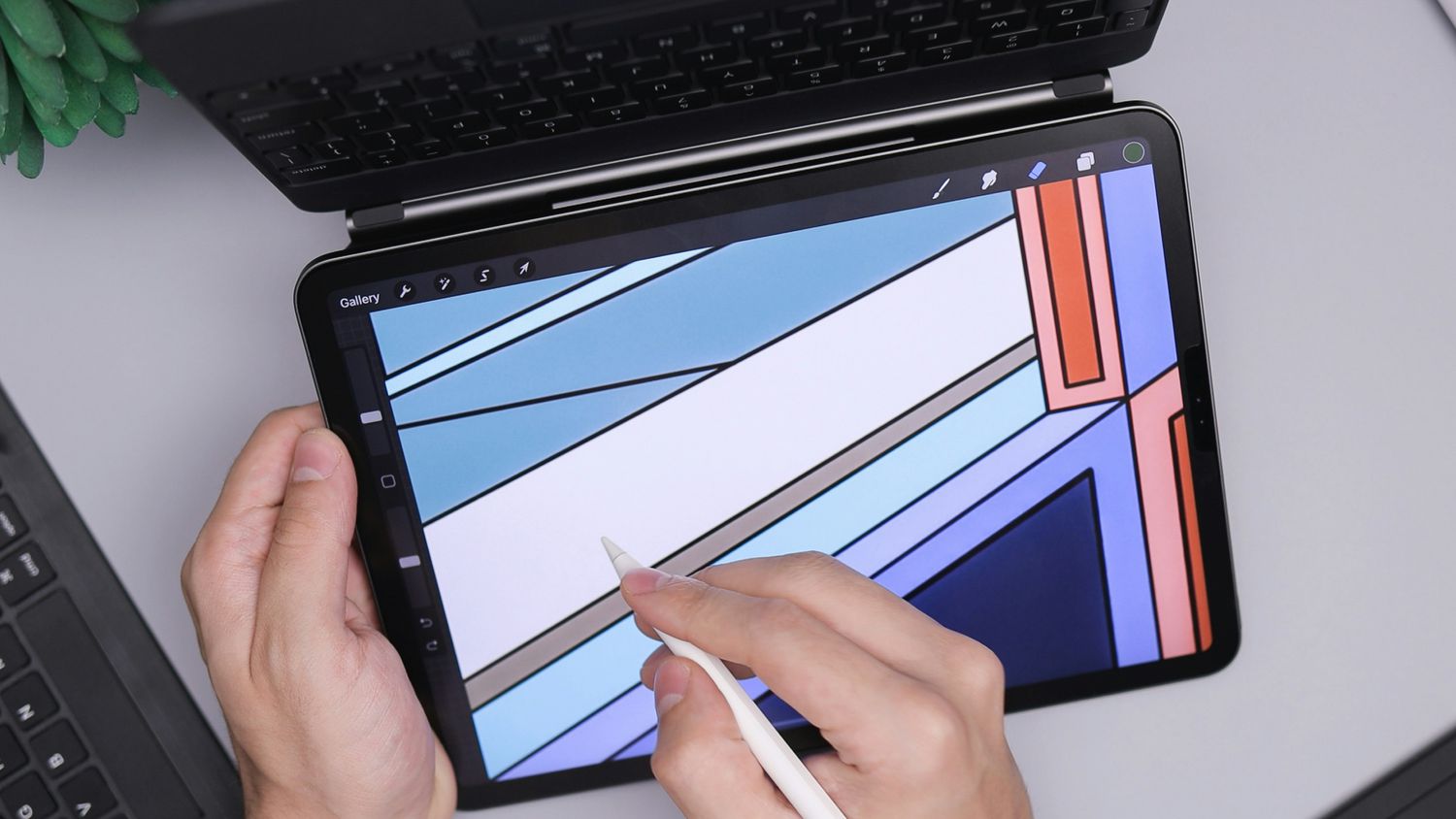
Whether you’re a professional illustrator or a beginner exploring your artistic skills, these free drawing software options offer powerful features without breaking the bank.
What We Like
-
Customizable interface with 30 docks for organization.
-
100 professionally made brushes with smoothing.
-
Regular updates; strong community support system.
What We Don’t Like
-
Learning curve for beginners.
-
Occasional performance issues on lower-end hardware.
-
Vector drawing options are limited.
Krita is a free, open-source digital painting and illustration software for professionals. Its range of features and customization options makes it a viable alternative to industry-standard tools from Adobe and Corel.
It has an extensive collection of brushes (over 100) for all types of drawing, especially comics, nine brush engines, layer management, and advanced blending modes. A robust animation tool supports thousands of frames on the timeline.
Advanced users can use the Krita API to extend the software with their widgets. Krita comes pre-loaded with plugins, and you can tap the community for specific ones you may need.
This drawing app works on Windows, macOS, and Linux.
What We Like
-
Built for sketching and drawing.
-
Beginner-friendly and suitable for even kids.
-
Free extras like brushes and palettes available.
Autodesk Sketchbook is a purpose-built free digital painting and illustration software available for Windows, macOS, Android, iOS, and iPadOS.
While it’s available on multiple platforms, the desktop version requires one-time purchase. The mobile versions are free with in-app purchases for Premium features like brush creation, color management, and layer management.
Drawing on Android and iOS tablets feels natural with a stylus and a complement of customizable brushes, stroke tools (like the Predictive stroke for smooth lines), rulers, and guides.
The Symmetry tools help create complex designs easily. This free drawing software supports layered PSD and TIFF files, which are compatible with other illustration software.
FireAlpaca is a nice entry point for artists new to digital painting due to its user-friendly and accessible nature. This lightweight software has a clean interface that feels like drawing on an art board.
Despite being free, FireAlpaca offers a surprisingly extensive range of features, including a customizable brush library, layer support, and basic animation capabilities.
FireAlpaca offers different brush textures with adjustments that are like pre-sets for line drawing. You can access layers, transparency, color profiles like CMYK and RGB, snap tools, and grids. The digital painting tool can also create animations and time lapses.
This app works on Windows, macOS, and Linux.
What We Like
-
Extensive support for various formats, like SVG.
-
Strong community; plenty of tutorials and extensions.
-
More than 90 templates for quickly starting projects.
What We Don’t Like
-
Steeper learning curve among drawing tools.
-
Ghosting, artifacts common while rendering graphics.
-
Crashes on less powerful systems.
Inkscape is a free and open-source vector graphics editor for creating and editing illustrations, diagrams, logos, and complex paintings.
With its advanced tools, flexible SVG format, and cross-platform compatibility, Inkscape is a powerful alternative to the expensive Adobe Illustrator, especially for designers on a budget or those who prefer open-source solutions across Windows, Linux, and macOS.
Inkscape has a good menu of drawing and shape tools (including a calligraphy tool) supported by object manipulation, path operations, and color fills.
You can also extend Inkscape’s capabilities with the extension gallery, which includes nearly 150 options supported by the open-source community.
What We Like
-
Free and open-source.
-
Layers, channels, and alpha channels.
-
Interface is customizable to suit every user preference.
What We Don’t Like
-
Selection tools aren’t as precise as Photoshop’s.
-
Color adjustment is lacking; RGB processing only.
-
RAW format is only supported via a plugin.
GIMP (GNU Image Manipulation Program) is one of the best-known free photo editors and open-source alternatives to Photoshop. Though it’s nowhere as powerful, it’s ideal for beginners and hobbyists.
GIMP is not a drawing program, but this refined image editor (with drawing capabilities) is a must-have for all graphic designers and illustrators on a budget.
Advanced users can extend the software with powerful plugins, scripts, and support for languages like Scheme, Python, Perl, and more. GIMP also gets consistent updates from its developer community.
GIMP, as a FOSS project, only offers AI features with a plugin, unlike Photoshop. You can use it across platforms, including Windows, GNU/Linux, and macOS.
Pencil2d.org
Pencil2D is a unique entry in this list because it’s a 2D animation tool. The minimal, uncluttered interface is an ideal training canvas for newbies to create simple, hand-drawn animations.
The free and open-source drawing software creates frame-by-frame animations using traditional techniques like onion skinning, which displays previous frames to ensure smooth transitions.
You can seamlessly switch between vector line drawings and raster paintings, and the recognizable icons and customizable palettes won’t overwhelm a beginner.
Pencil2D is available on Windows, macOS, Linux, and FreeBSD, making it a versatile choice for animators across different platforms.
What We Like
-
Collection of realistic brushes.
-
Mirror painting for symmetrical images.
-
Play back painting process recorded events.
Artweaver Free is a user-friendly painting tool for both beginners and advanced users. It has many realistic brushes, including circular, airbrush, and pixel brushes.
You can customize the user interface to your liking. Artweaver records your entire painting process as events that can be replayed or shared.
Artweaver Free supports layers, blend methods, and transparency for digital artists, making it a versatile choice for creative work. Mirror painting can quicken your work if you are creating symmetrical drawings.
Even Artweaver Free offers ten extra add-ons to extend the software. Advanced features, like collaboration support and support for high DPI displays, are handy for advanced users.
MediBang Paint is free and open-source cross-platform software for desktop and mobile. It offers a user-friendly interface, a vast collection of customizable brushes and tools, and support for raster and vector workflows.
It’s mainly designed for the iPad, where you can try it with a 30-day free trial before buying a one-time license. But it’s also accessible for Windows users with an ad-supported free version.
The software seamlessly integrates cloud-based features, allowing users to sync their work, brushes, and settings across multiple devices.
Its built-in comic panel creation tools and extensive library of free-to-use fonts, filters, and blur effects make it an option for manga and comic creators.
The software’s lightweight design and efficient performance ensure a smooth experience, even on less powerful hardware.
Thanks for letting us know!
Subscribe
Tell us why!
Other
Not enough details
Hard to understand
