


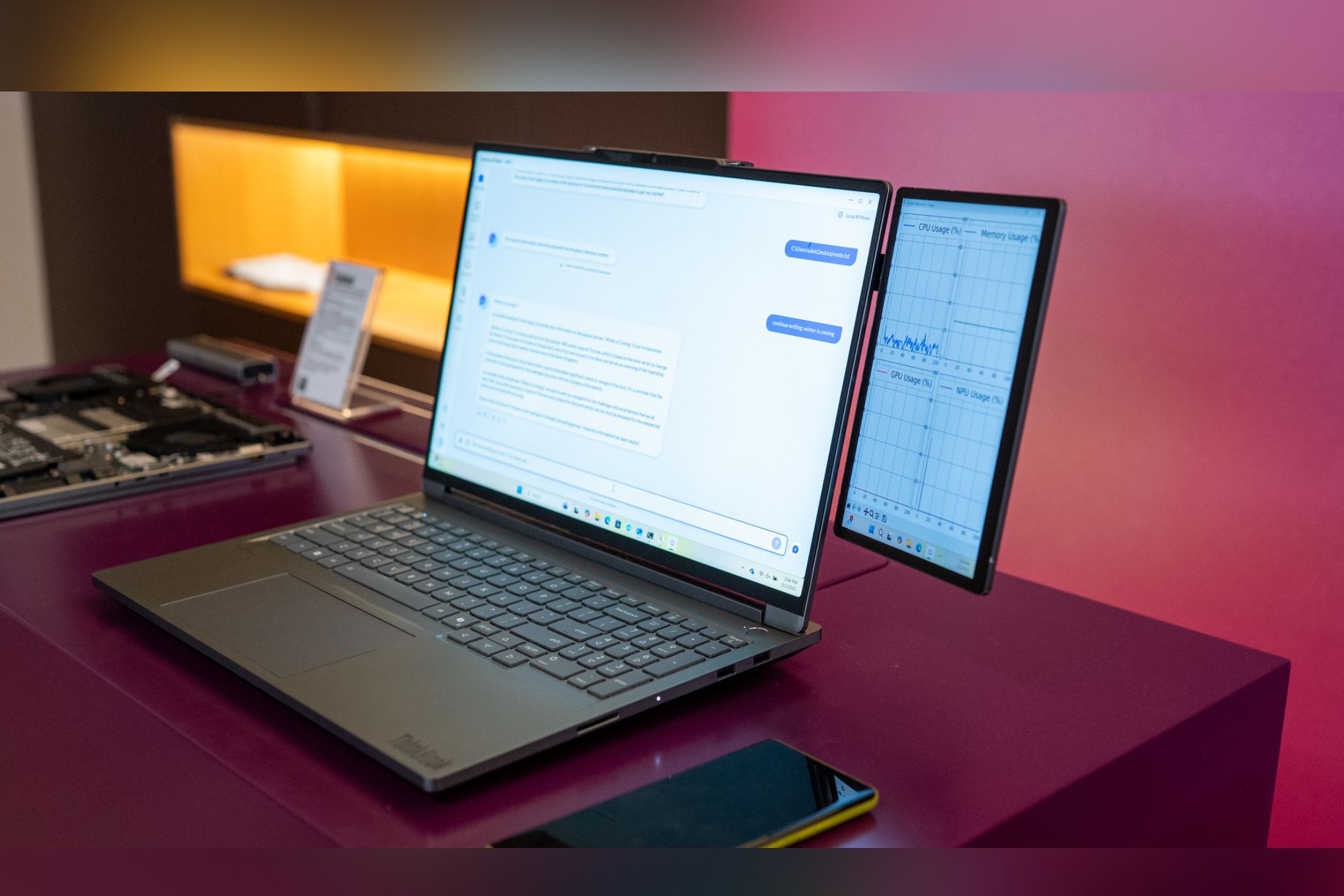
Need an extra monitor but don’t want to buy one? Your phone or tablet is already the perfect second screen—you just need the right app to make the most out of it.
Meet GlideX and Set It Up
GlideX is a cross-device utility that lets you connect your Android device, iPhone, or iPad to a Windows PC using Wi-Fi or USB. It handles basic tasks like file transfer and screen mirroring, but the real draw is its Extend feature, which turns your phone or tablet into a second monitor for your PC. GlideX also supports PC-to-PC extension, meaning you can use another Windows PC or Mac as an additional display.
If you own an ASUS laptop, there’s a GlideX Exclusive version that unlocks advanced features. With this, you can connect up to two devices simultaneously and enjoy 2K resolution at 60Hz, compared to the standard 1080p 60Hz limit and one connected device. The Exclusive edition also includes remote access capabilities and shared camera features. But the general version offers everything most people need for a solid extended display experience.
Setting up GlideX is surprisingly easy. Download the GlideX app on your Windows PC from the Microsoft Store and install the companion app on your Android or iOS device. Launch both apps and ensure your devices are on the same Wi-Fi network, or connect the devices via a USB cable.
For a USB connection on Android, you’ll need to enable Developer Options first, then turn on USB debugging. Once USB debugging is enabled, connect your devices via a USB cable.
The app will automatically detect available devices. Click Start Now on your PC, then follow the on-screen instructions to pair your devices.
How to Use Your Phone or Tablet as an Extended Display
To use your phone or tablet as an extended display, open GlideX on your PC and navigate to the Cross-device operation tab. Under the Extend option, click Search for device. Your tablet or phone should appear in the list of available devices. Select it, and you’ll see a screen share request pop up on your mobile device—tap Accept to connect.
Once connected, your phone or tablet will become an extended part of your computer display. You can launch apps on your main screen and move them to your mobile device, and switch between windows using Alt + Tab like with any regular monitor. To disconnect, simply click the unlink icon next to your connected device.
The touchscreen support makes GlideX especially useful for tablets. You can tap, scroll, and pinch to zoom directly on your tablet screen—it responds just like a touchscreen laptop display. This makes it perfect for reading documents, monitoring chat windows, or keeping reference materials visible while you work on your main screen.
GlideX offers flexible display configuration options. Click the Preferences button to access display settings where you can adjust the layout, resolution, and frame rate. Choose between Dynamic mode, which automatically adjusts quality based on network speed, or Manual mode for fixed settings. You can set the resolution up to FHD (1080p) and frame rate up to 60 FPS, depending on your connection quality.
What sets GlideX apart from similar solutions is its flexibility. You can continue using your phone normally without disconnecting the extended display. Simply switch between apps on your mobile device, and when you need the extended screen again, switch back to GlideX.
GlideX Can Do a Whole Lot More
Beyond screen extension, GlideX packs plenty of useful features to help you work more efficiently across devices. You can mirror your phone’s screen on your PC or use Unify Control to link your phone, tablet, and even another PC, allowing you to control them all with a single keyboard and mouse and move your cursor smoothly between screens.
Sharing files is just as easy thanks to the File Transfer feature. Drag and drop files into the transfer window, and they’ll instantly appear on your other device. The Activity Feed keeps track of every transfer, showing file names, sizes, and status updates at a glance.
When you need quick access to your photos, Phone Album works much like Phone Link’s Photos feature, allowing you to browse and view all images stored on your phone using your PC. You can also download multiple files at once or delete them to free up storage space.
The Exclusive version also adds a few practical extras. The Communication feature lets you make and receive phone calls through your PC’s speakers and microphone. Shared Cam turns your phone into a webcam for video calls in apps like Zoom or Skype. Finally, Remote Access allows you to use your ASUS PC as personal cloud storage, so you can get to your files from anywhere on your phone or tablet.
Whether you need a quick second monitor for a spreadsheet, want to keep messaging apps visible while working, or simply need to move files between devices, GlideX handles it all through one clean interface. While it won’t serve as a full replacement for using Phone Link to connect your phone and PC, especially if you don’t have an ASUS computer, it’s a simple way to extend your setup without spending anything extra.
